
Kirkify Image Online for Free
Drop any portrait, reaction shot, or meme template below to kirkify an image in 10–20 seconds. Sign in free for 100 starter credits—no credit card and no watermark.
Target Image
Kirkified Result
Your kirkified image will appear here
Real Kirkify Image Examples
Drag the comparison slider on any photo below to inspect how our AI preserves hair, posture, and lighting while transforming the face.

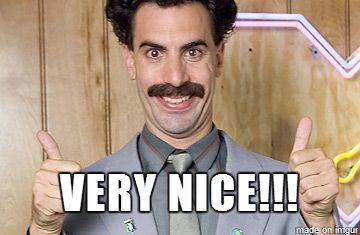
Studio & Event Portraits
Preserves original hair, suit framing, and background depth while blending facial features naturally.

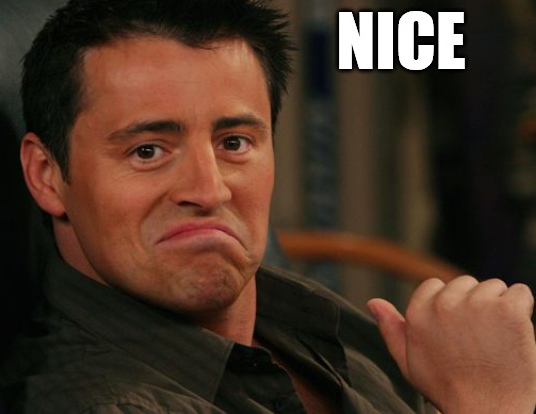
Candid & Street Shots
Handles WebP and JPEG uploads directly and adapts to natural outdoor lighting.

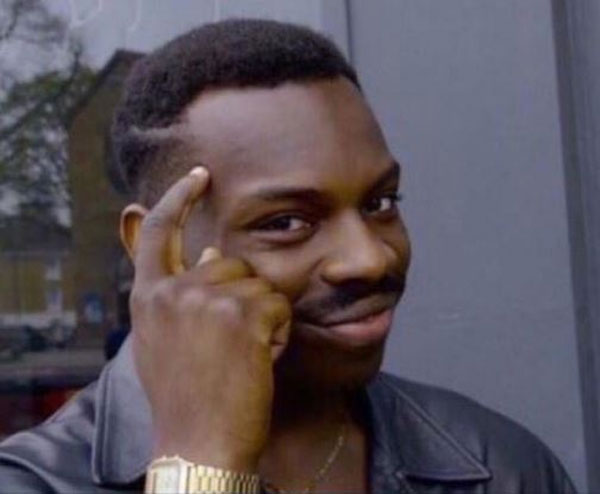
Viral Meme Templates
High-contrast facial alignment built for crisp social media thumbnails and comment replies.
What Can You Create With the Kirkify Image Tool?
Built for fast meme creation across desktop and mobile browsers—no manual masking or layer editing required.
Reaction Memes & Reply Images
Drop classic two-panel meme templates, podium snapshots, or shocked reaction photos to craft instant reply images for Reddit, X, and Discord.
Portraits, Selfies & Headshots
Upload clear front-facing or three-quarter portraits. Our AI matches head tilt, skin tone, and ambient lighting automatically.
Movie Stills & Pop Culture Frames
Transform iconic cinema scenes, sports celebrations, or stock photography into surreal kirkified edits in a single click.
Custom Two-Photo Face Mashups
Switch the tool tab from Kirkify to Custom whenever you want to swap your own chosen source face onto any target image.
Two Ways to Kirkify Any Photo
Switch tabs inside the workspace above depending on whether you want the classic preset or a custom two-image face swap.
1. Kirkify Preset Mode
Upload just one target image. Our preset model swaps the signature Kirkify face onto your subject in a single click.
- Fastest workflow for viral reaction memes
- Works with your 100 free starter credits
2. Custom Face Mode
Upload two images: any Source Face plus a Target Image. Great for specific facial expressions or custom meme crossovers.
- Swap any portrait onto any meme scene
- Also works with free starter credits
3. Image-to-Video Clip
After generating a kirkified image, animate it into a looping 5s or 10s video ready for TikTok, Reels, and YouTube Shorts.
- 720p & 1080p AI motion generation
- Unlocked on Pro & Max plans
Kirkify Image Tool — FAQ
Everything you need to know about uploading, free credits, and downloading kirkified images.